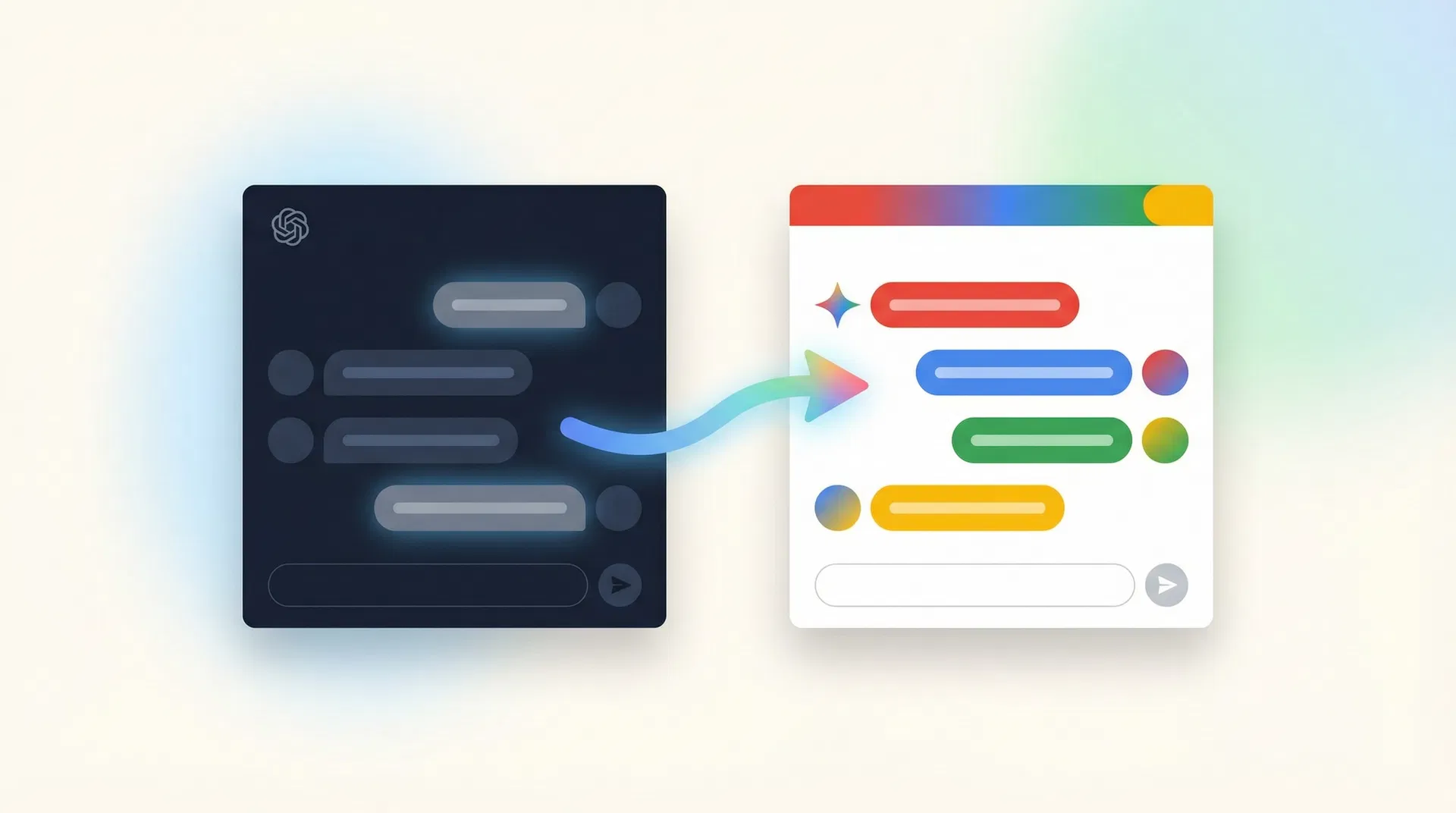

How to use this guide
Work through each section in order. Click on any step to expand it and read the instructions. Once you have completed a step, click the checkbox to mark it as done — your progress is saved automatically and will be here when you come back.
Getting Started with Google Gemini
Access Gemini through your existing Google Workspace account — no new subscription needed.
Open Google Gemini in your browser
Google Gemini is already included in your company's Google Workspace subscription. You do not need to create a new account or pay for anything extra.
Open your web browser
Go to Gemini
Sign in with your work Google account
Explore the Gemini interface
Connect Gemini to your Google Workspace
Migrate Your Knowledge & Preferences
Create a 'Digital Passport' to transfer your personalised AI preferences from ChatGPT to Gemini.
Understand what a 'Digital Passport' is
Generate your Digital Passport in ChatGPT
Create a personalised 'Gem' in Google Gemini
Recreate your Custom GPTs as Gems
Migrate Your Chat History
Save important conversations from ChatGPT using these secure, manual methods — no plugins required.
Understand your options
Method A: Copy & Paste to Google Docs
Method B: Save as PDF via Print
Method C: Use the 'Summarise for Gemini' technique
Using Gemini Effectively
Get the most out of Gemini's unique features that go beyond what ChatGPT offered.
Use Gemini with Gmail and Google Drive
Use Gemini in Google Docs, Sheets, and Slides
Tips for writing better prompts in Gemini
Wrap Up & Clean Exit from ChatGPT
Complete the transition cleanly and securely before your ChatGPT subscription ends.
Delete your ChatGPT memory before leaving
Verify your Gemini setup is complete
You're all set — welcome to Google Gemini!
Need help?
If you encounter any issues during your migration, please contact your IT helpdesk or visit Google's official Gemini support page.
Google Gemini Help Centre